
The "Fleet Overview" of the MFM provides a list of all robots that are currently connected to the MQTT broker. These connected robots also appear as icons in the top-right corner of the header bar.
The robots may take a few seconds to appear, especially after starting the MFM.
Fleet overview
Detailed information is displayed for each connected robot:
-
Name of the robot.
-
The activated environment in which the robot is operating.
-
The version of the environment that the robot is using.
-
The battery status of each robot.
-
The current operating mode of the robot (automatic, mapping or manual).
-
The number of small load carriers (KLTs) in the robot's backpack.
-
The network connection status of the robot
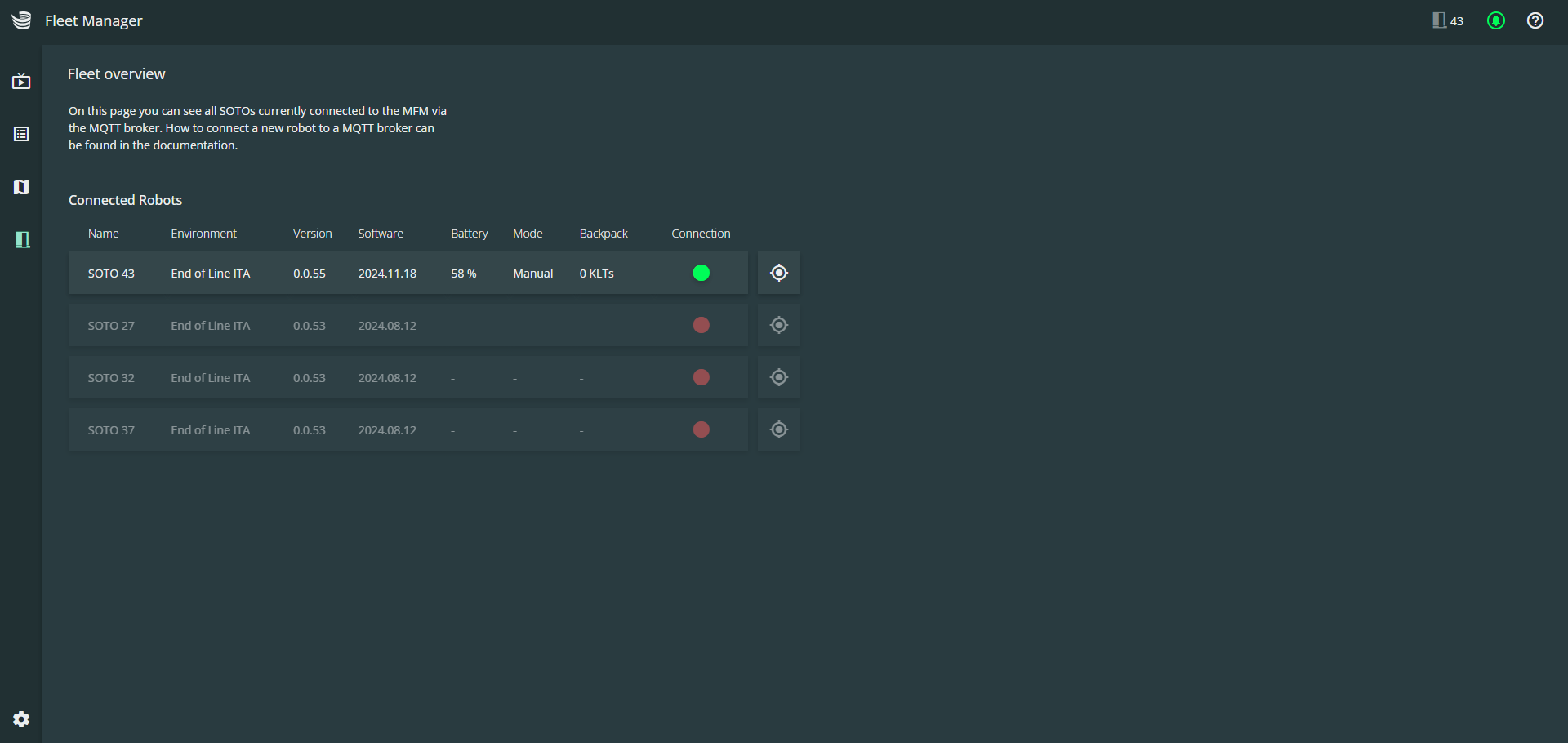
Color coding of the connection status
Connected robots

Disconnected robots
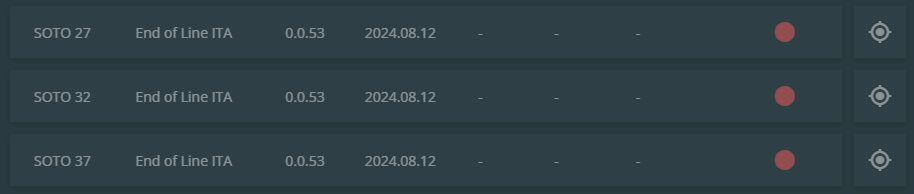
Localization of the robots

The target button on the right-hand side of each robot can be used to view the robot in the Live View. This makes it easy to quickly locate the robot in your environment and view further detailed information.