Functionality Test of Emergency Stop Buttons and Reset Buttons
For each of the four emergency stop buttons on SOTO:
-
Push the emergency stop button. Check whether this is reflected on the display.
-
Release the emergency stop button. Check whether this is reflected on the display and the reset button is blinking.
-
Press the reset button. Check whether the robot is operable again.
Visual Inspection Tasks
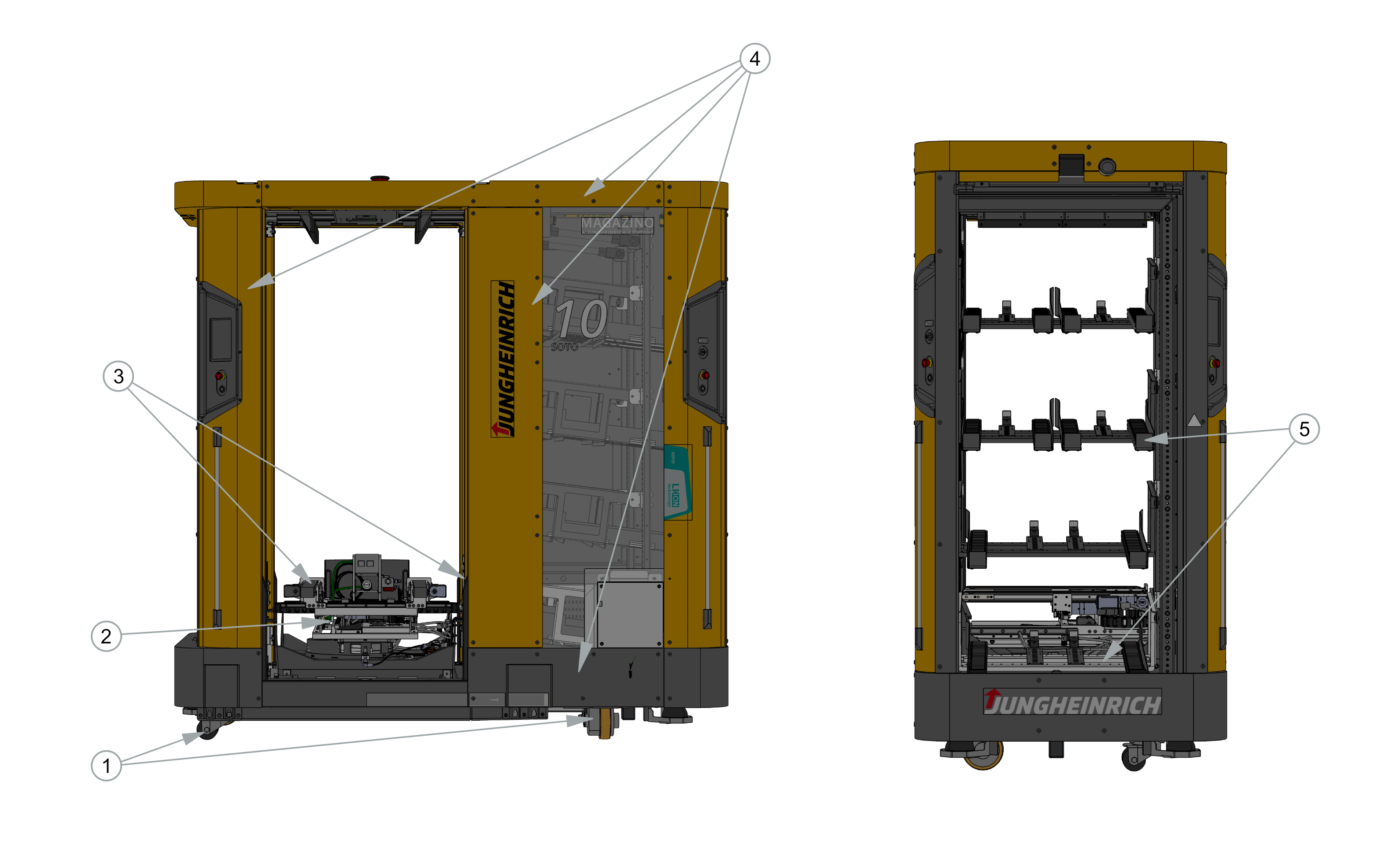
Perform the following visual inspection tasks. In case of damage, contact support.
-
Visually inspect SOTO’s wheels for obvious damage.
-
Visually inspect SOTO’s interior and its gripper for coarse dirt and foreign objects. Remove foreign objects and dirt if necessary.
-
Visually inspect SOTO’s interior and gripper for damage.
-
Visually inspect SOTO’s external covers for damage.
-
Visually inspect SOTO’s backpack shelf for bent or damaged parts. Pay special attention to the box stoppers at the front of the backpack.
-
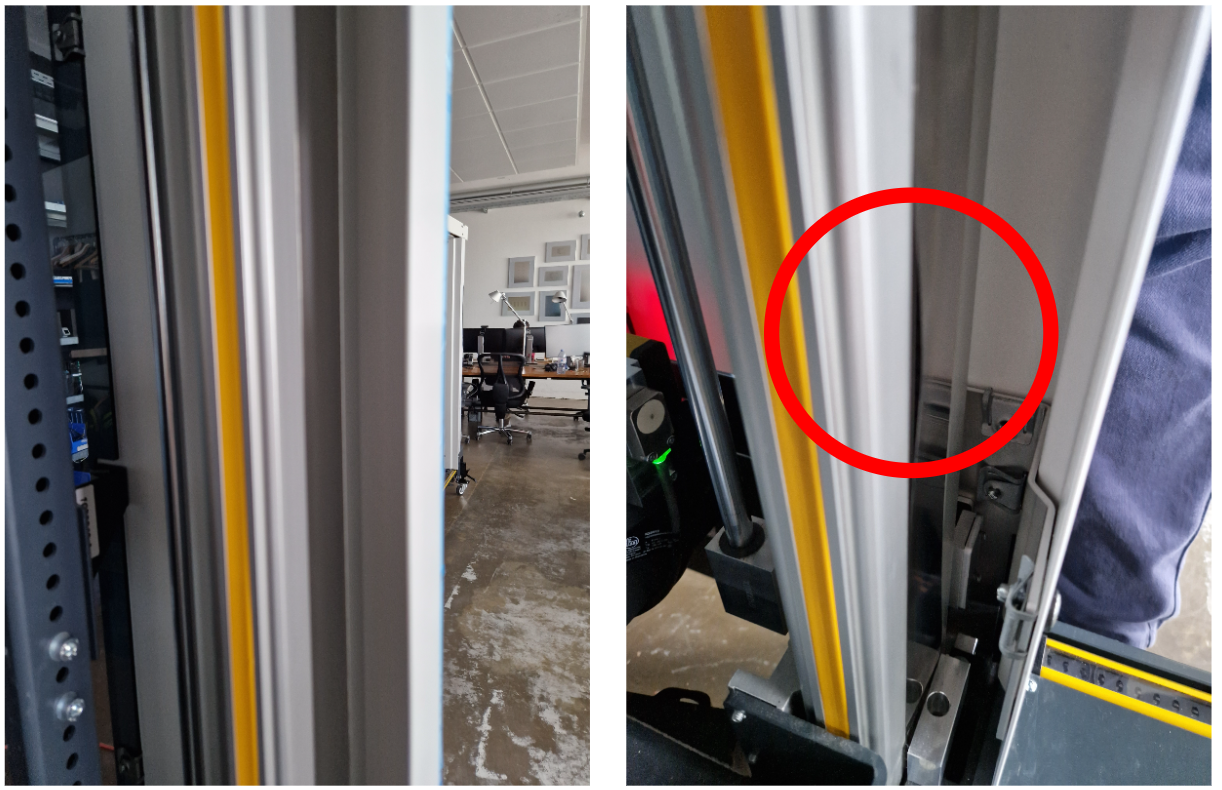
Inspect SOTO’s four vertical axis covers for damage (see Figure below). The vertical axes are located at the four corners of the gripper space. Gently run a finger over the vertical axis covers. If any curvatures are detected, please contact support. Pay special attention to the bottom of the vertical axis.