
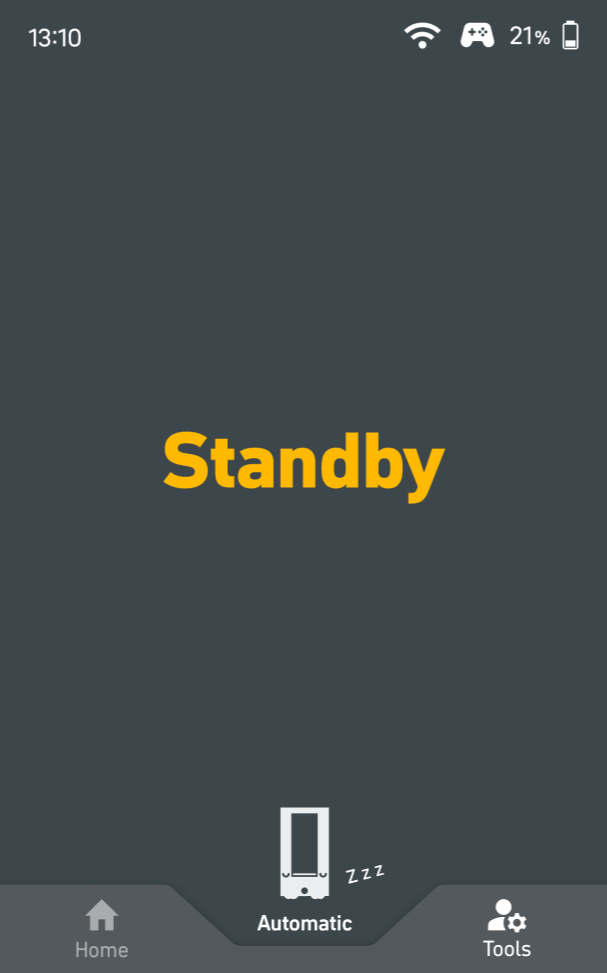
Standby
|
As long as the robot has not received an order and is not being charged, it remains in standby mode. |
Charging
%20(71)-20251205-152831.png?cb=c9d9552ce13da44fabef553efecb54f5)
|
The robot is docked to a charger. The display shows the current battery level in the top right-hand corner. The green battery symbol indicates that the robot is currently charging. Automatic charging logic: Customers can specify the battery level at which the robot automatically docks to the charger via the Magazino Fleet Manager or a third-party master controller. When the robot reaches a battery level of 10%, a pop-up is shown on the display as a warning. |
Order overview
%20(60)-20251205-152831.png?cb=6f98af48a7cf323475eabf96934c6357)
|
The scrollable list of orders provides information about the robot's completed, planned and not yet planned requests. The current request is indicated by a rotating green wheel and a highlighted text field with relevant details. Requests that are not yet scheduled are indicated by an hourglass symbol and grayed-out text. |