
The following table lists all tools, which are available during an exception.
|
Tool |
Consequences |
Main page |
|
|---|---|---|---|
|
1 |
Overview
|
The tools overview offers features to escalate a certain problem and there is still the possibility to access the settings of the robot. (Settings ) |
%20(66)-20251205-152831.png?cb=c7e6be8338604b5e0dd7f1dc0798d1c0)
|
|
2 |
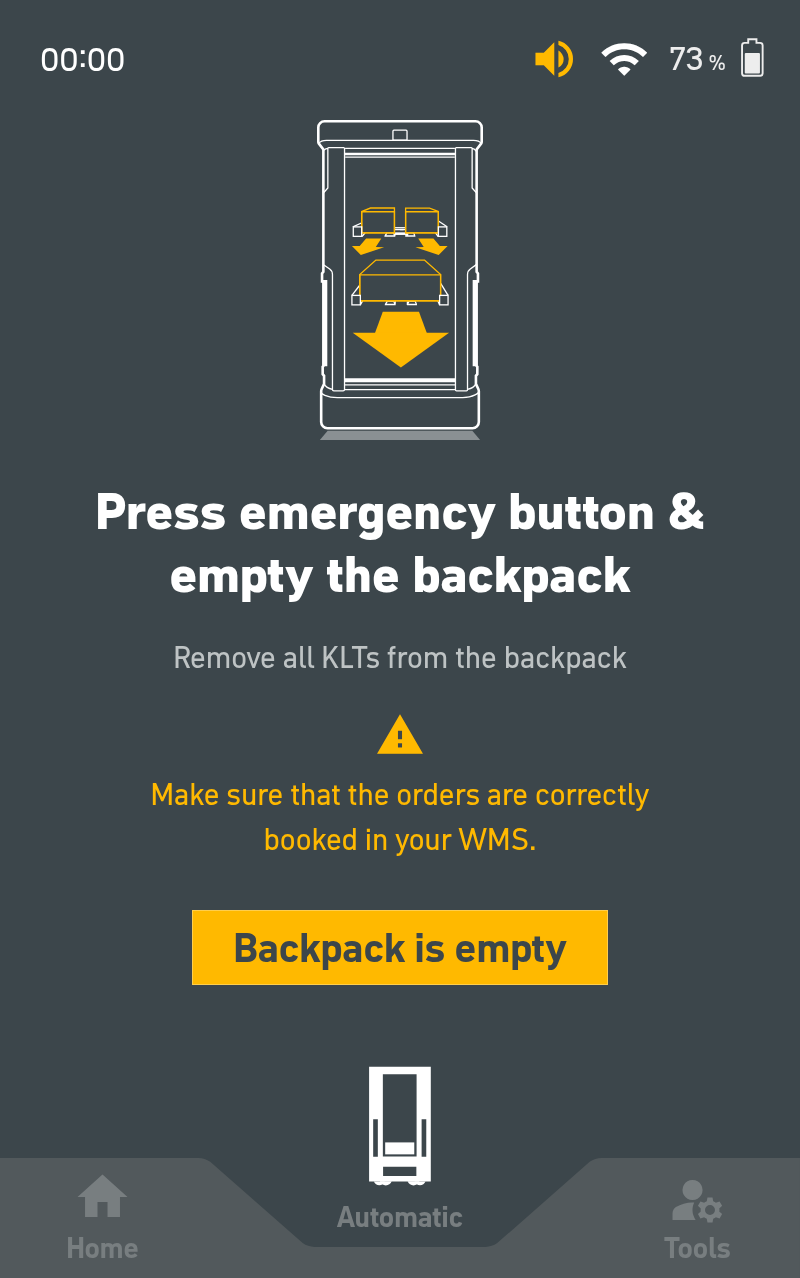
Reset the robot
|
The robot forgets all its orders and all critical events are automatically acknowledged. |
|
|
3 |
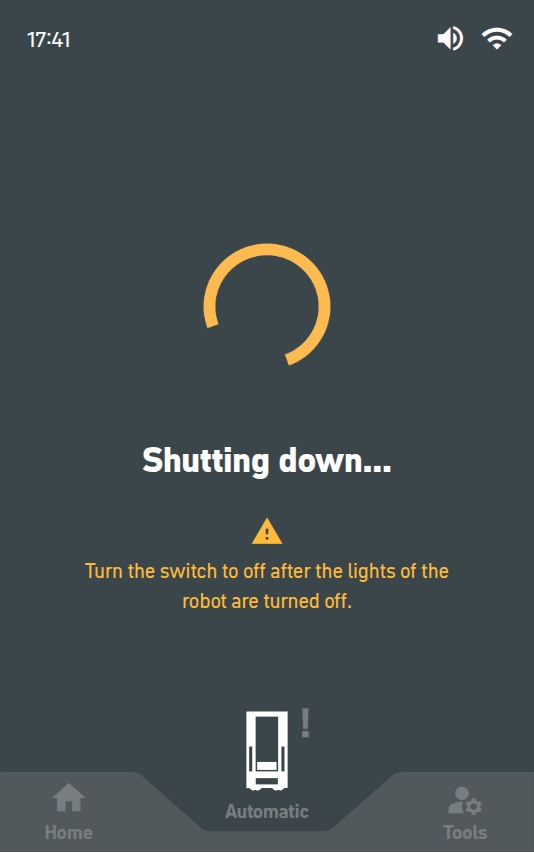
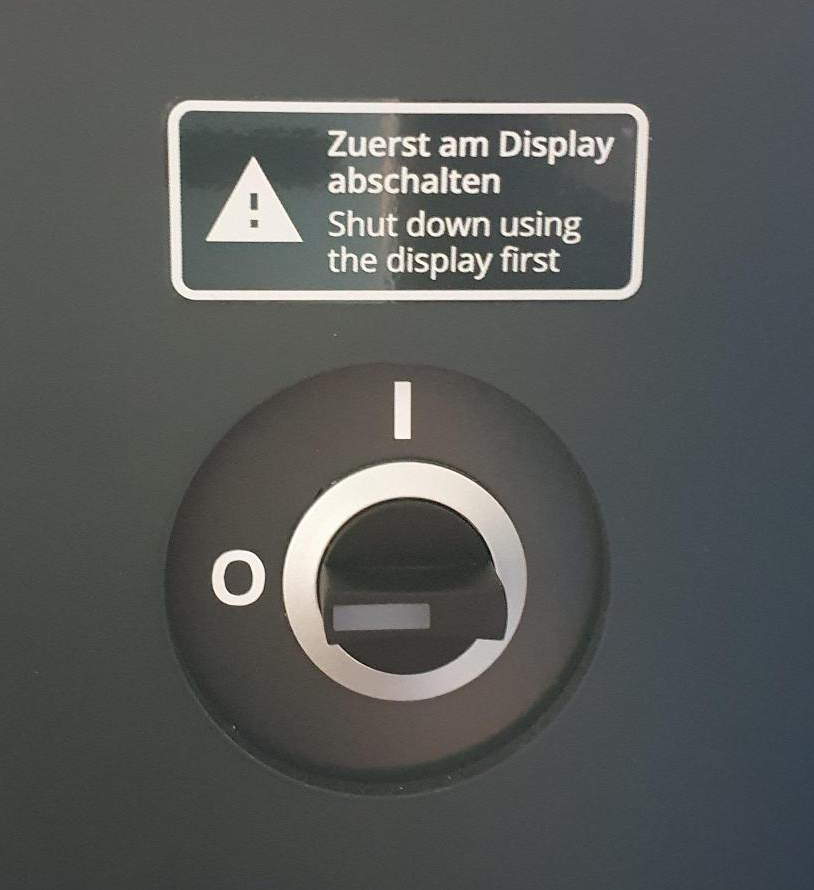
Shut down robot
|
The robot is completely switched off. |
|
|
4 |
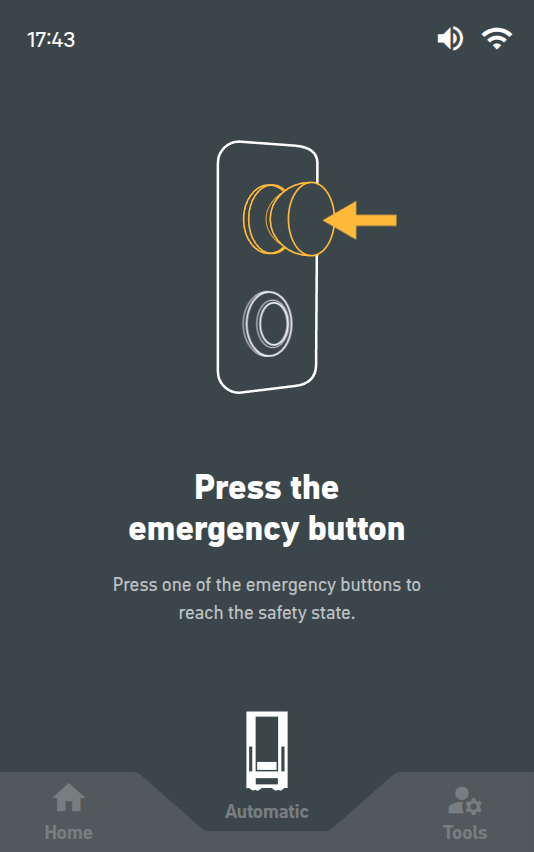
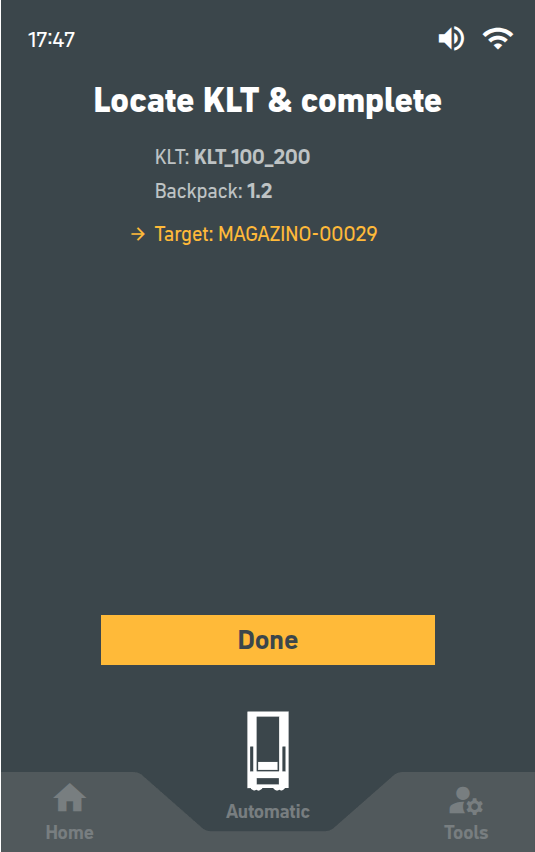
Complete manually
|
The current request is completed manually. |
|
|
5 |
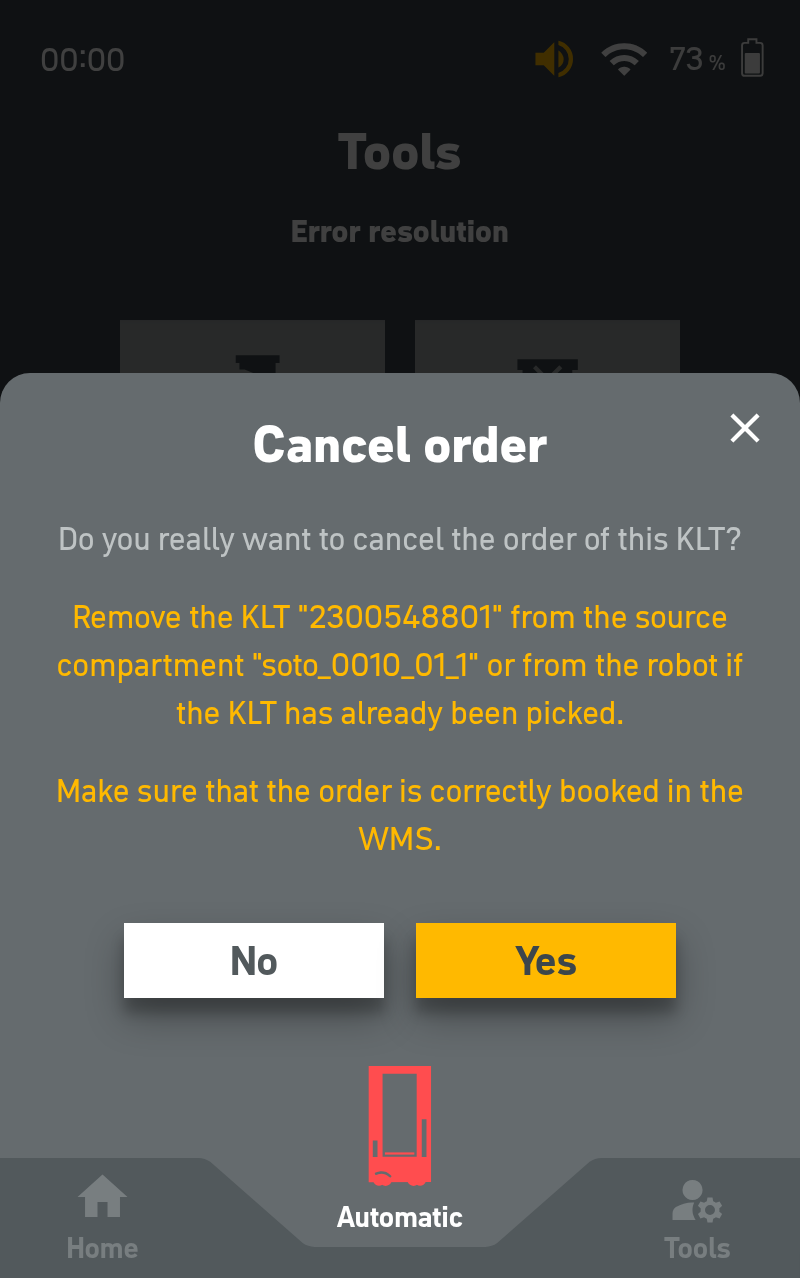
Abort manually
|
The current request is aborted manually. |
|
|
6 |
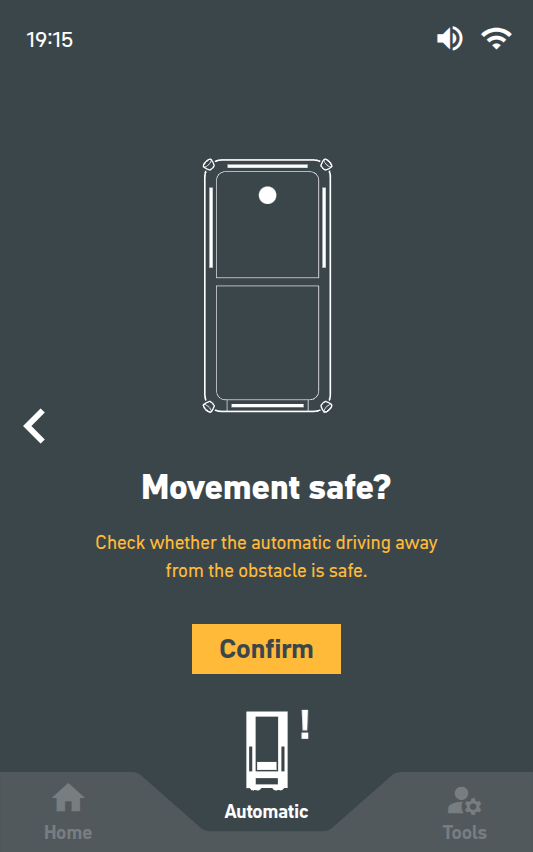
Free light curtain |
If one of the light curtains is triggered by an object (eg. a shelf), and the user is unable to remove it by hand, this tutorial enables the robot to free itself automatically.
|
|
|
7 |
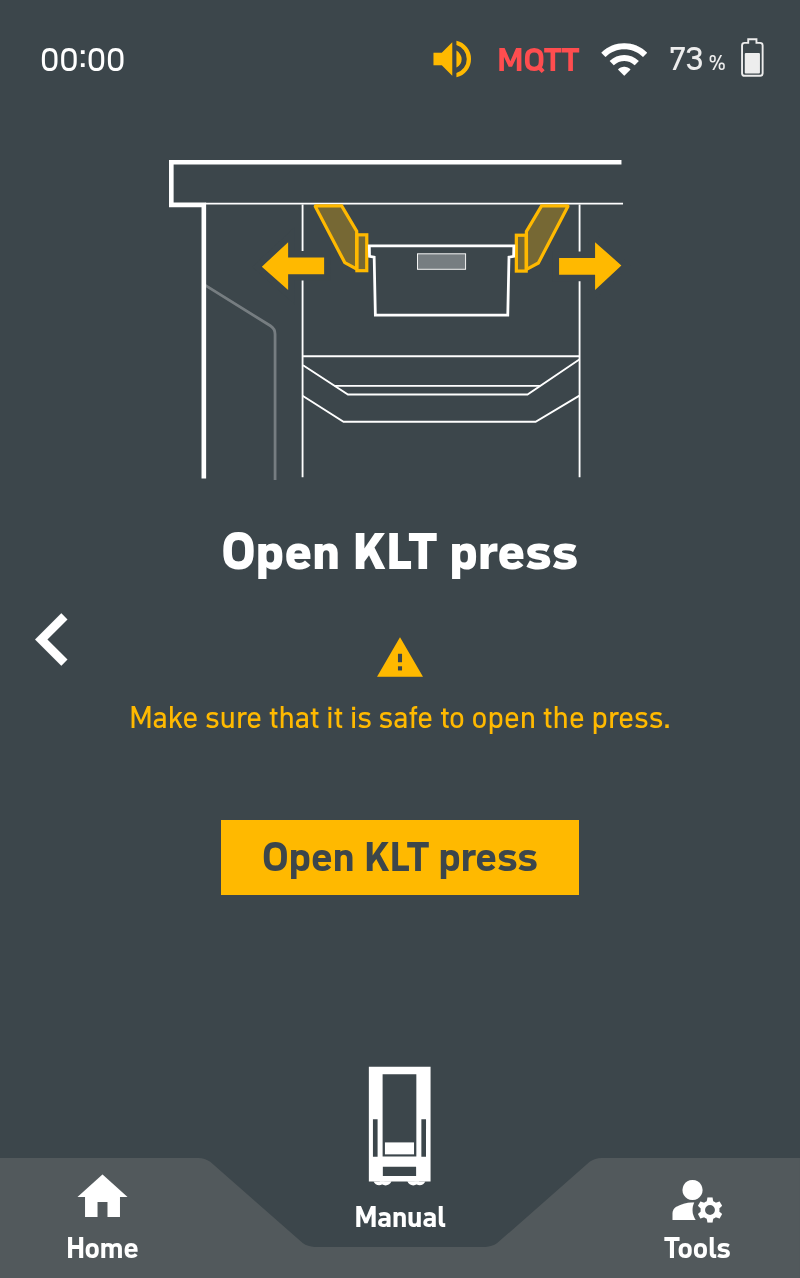
Open press |
When a KLT is in the press jaw of SOTO and an error occurs which cannot be resolved via normal error resolution, the user can open it manually with this tutorial. |
|