
-
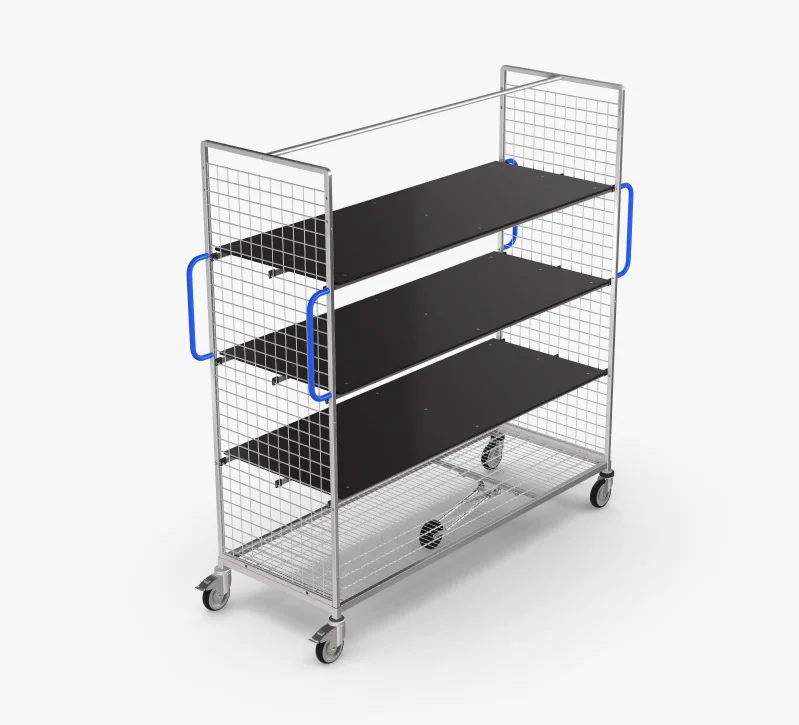
TORU places boxes onto the pickcart. Once all orders on a pickcart are fulfilled, it can be removed for further processing.
2. The colors in ARC mean the following:
-
Incomplete green progress bar: TORU is currently processing the orders for this pickcart. Please do not remove the pickcart.
-
Completed green progress bar: TORU has processed all orders. The pickcart can be removed.
-
Completed red progress bar: TORU has processed all orders for this pickcart, but some orders couldn’t be executed. The pickcart can be removed.


3. You can go to the pickcart and remove it.
4. Replace the pickcart with a new one.